Hours need sorting out first
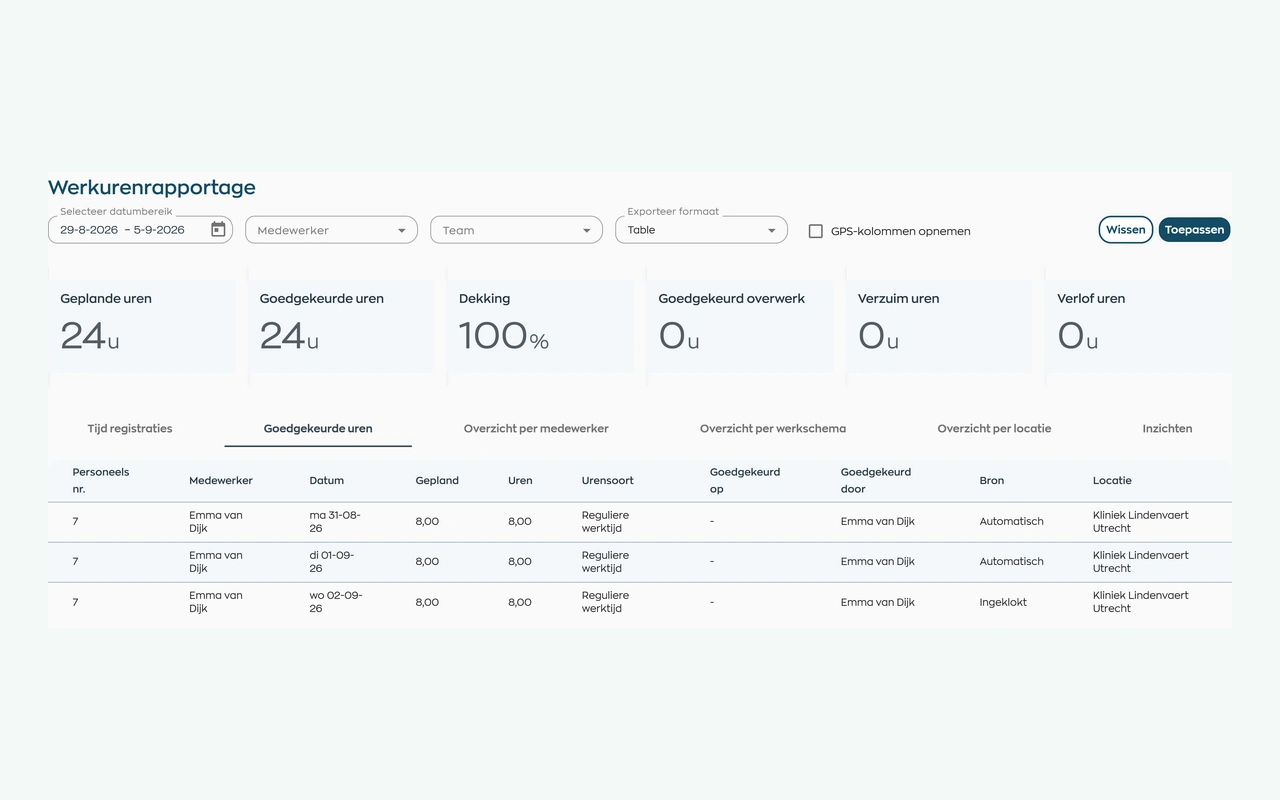
Let employees record their time and managers check and approve it. That makes it clear which information is ready for the next step.
Explore time tracking and approval
Partner programme · Accountants and payroll service providers
As an accountant, bookkeeper or payroll provider, you see what goes wrong before processing even begins: hours arrive late, changes are buried in emails and nobody knows which version has been checked. Help your clients get that preparation right with WorkVine.

WorkVine complements your accounting and payroll services. The biggest opportunity is often not a different payroll system, but a better way for your client to maintain and submit their data.
Let employees record their time and managers check and approve it. That makes it clear which information is ready for the next step.
Explore time tracking and approvalKeep employee details and supporting documents in one central record. Agree with the client who keeps those details up to date and checks any changes.
Explore employee recordsWorkVine can connect to any payroll system that offers an API. Agree on the data the client needs to transfer, using approved hours as the starting point for payroll processing.
Explore payroll connectionsFrom time records to payroll input
For example, a client with changing shifts submits hours each month. Establish responsibilities and checks first, then decide how the data will reach the payroll system.
Working time is recorded in WorkVine. The client agrees how employees should log their hours and the deadline for submitting changes.
The manager reviews discrepancies and allocates time to the appropriate categories where needed. Recorded time is not automatically approved payroll input.
You keep using the payroll system and checks that underpin your service. For an API connection, we'll agree on the data exchange and setup together.
Make submission requirements clear
Agree on these points with your client before setting up a connection or a new process. They are just as useful when you start with one client and one pay period.
You agree with the client on the data and checks you need. Pay calculations and payroll processing stay in the payroll system, as part of the service you have agreed to provide.
Employees record their time, managers check it and the client keeps employee records up to date. Choose a named contact to resolve missing or incorrect information.
We provide product guidance, setup and support. For an API connection, we discuss the system, required data and how it fits your way of working.
Good to know
Here are the key points. We're happy to talk through your situation.
No. WorkVine can connect to any payroll system with an API, including Nmbrs and other major providers. We tailor the connection setup to the system and the data required.
No. WorkVine helps clients maintain employee records, track time and approve hours ready for payroll. Pay calculations and payroll processing take place in the payroll system.
Yes. You can introduce WorkVine to help clients get their employee records and administration in order. Their existing provider can continue to handle payroll.
Yes. We'd welcome a conversation about working with your firm as a WorkVine payroll partner. Clients you introduce who already use your payroll services will always remain your clients, with your firm as their payroll contact. Together, we'll agree on how the partnership works and who is responsible for what.
Interested in partnering?
Tell us which payroll system you use and which information takes the most time to get right. We'll look at a suitable first client together and agree on the data they need to pass to your firm.

Your email app will open with the subject already filled in. There's no commitment at this stage.
Prefer to call? +31 85 212 9076