Monthly
€6
per active employee per month, excluding VAT
Cancel monthly.

Create and sign HR documents
Create employment agreements, addenda and HR letters from reusable templates. Populate available employee details automatically, review the content and send the document for electronic signature.
Pricing and usage charges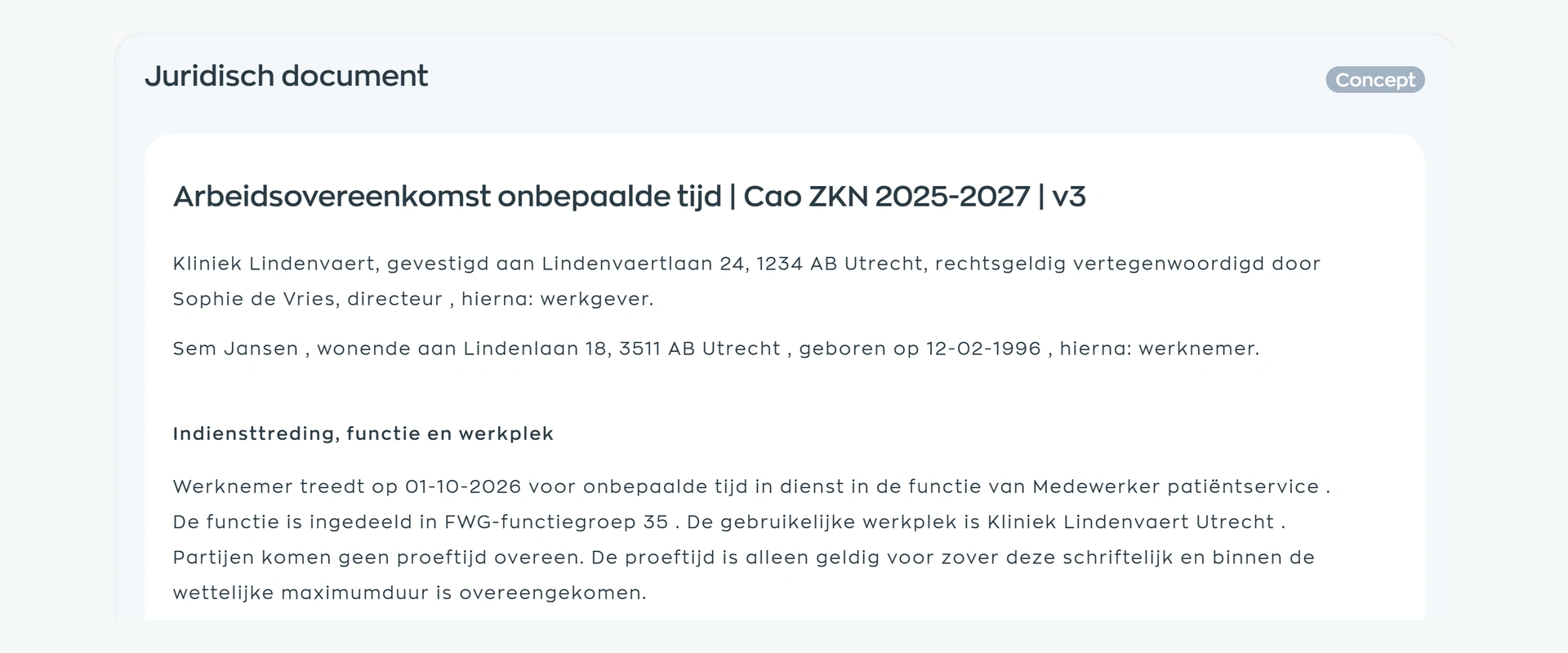
When HR copies an old document, retypes personal details and chases status updates by email, avoidable errors and delays follow. WorkVine makes the repeatable parts reusable and keeps the employee, content and progress together.
Create and sign HR documents
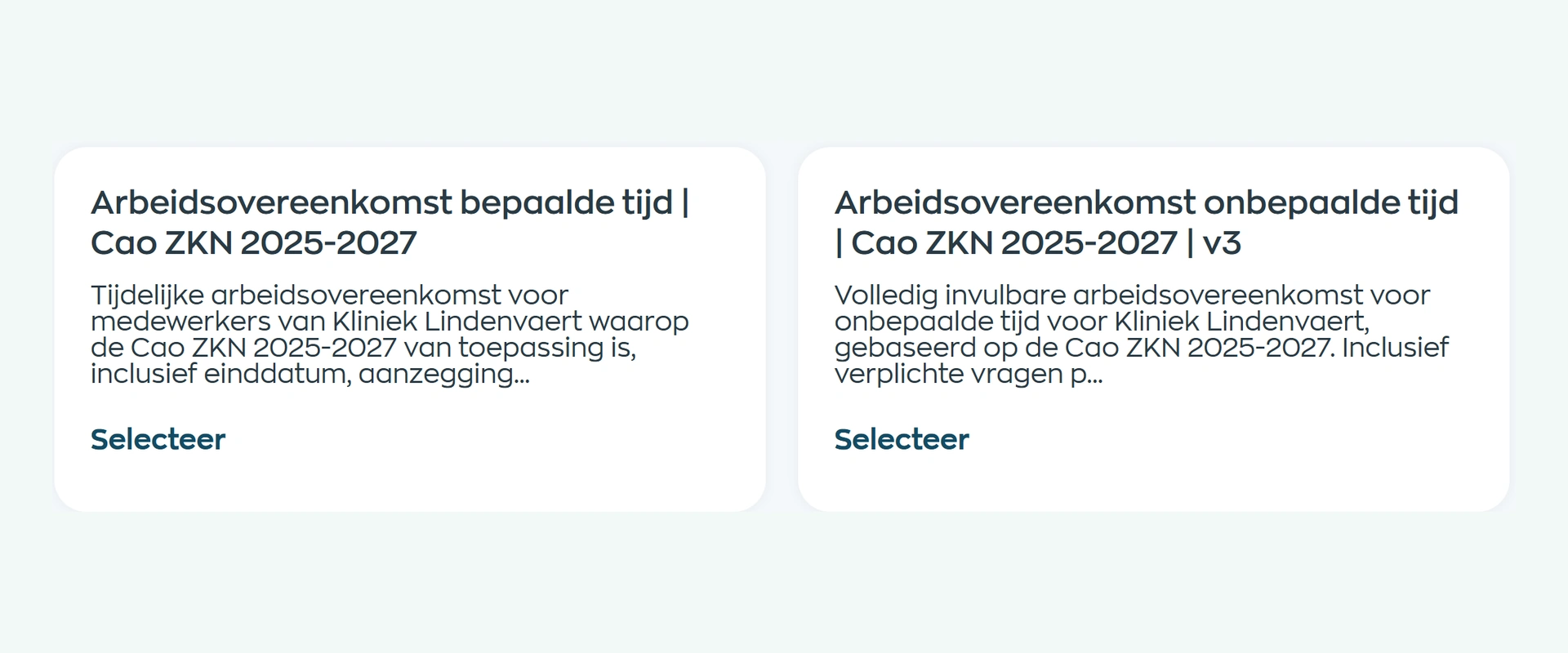
Choose a WorkVine template or have your own employment agreements, addenda and HR letters converted into reusable templates. WorkVine templates are reviewed by a university-trained legal professional. Your organisation remains responsible for checking that the content fits the specific situation and current law.
A template can populate available organisation and employee details automatically. HR completes the remaining questions, such as role, hours or start date, and saves the result as a draft. The fields used depend on the template and your setup.
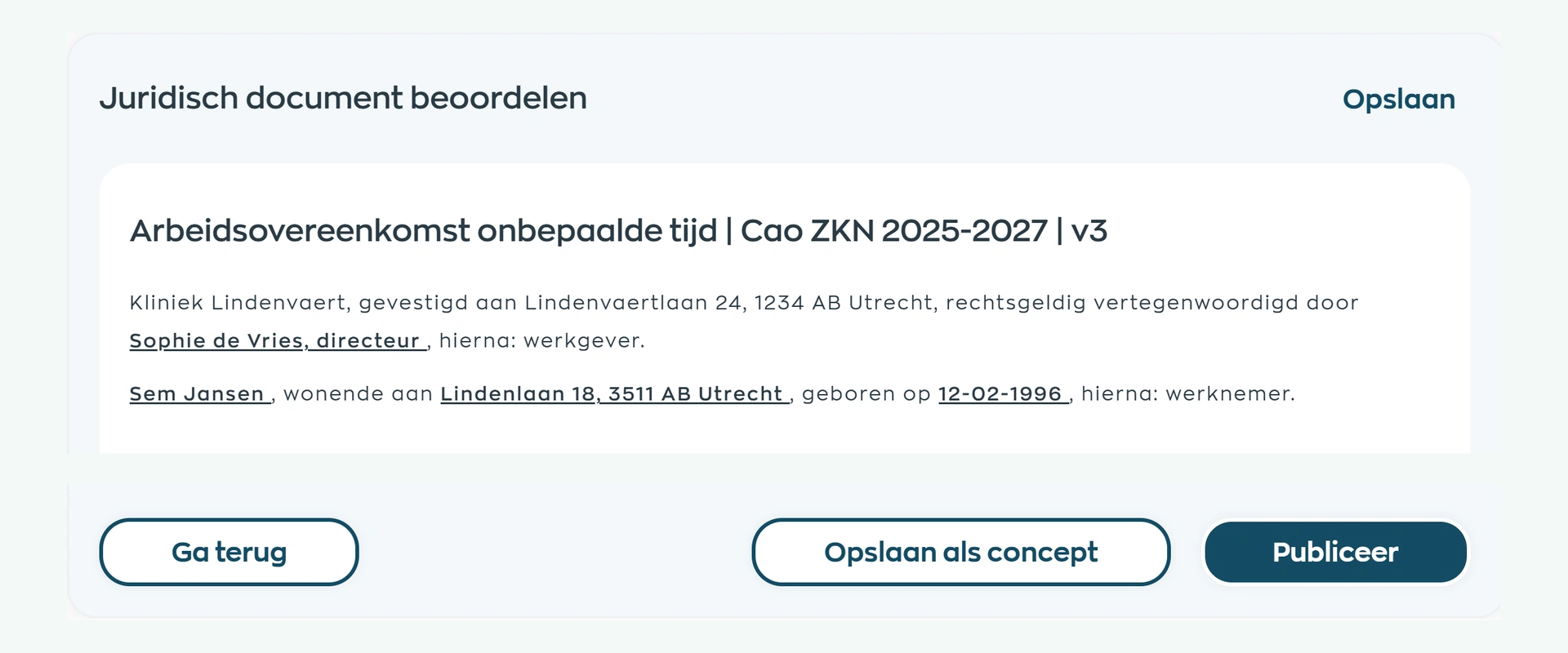
Review the complete agreement and verify the personal details, role and terms. Then send the checked document as an electronic signature request. The signature follows a deliberate content review rather than an unchecked attachment from an inbox.
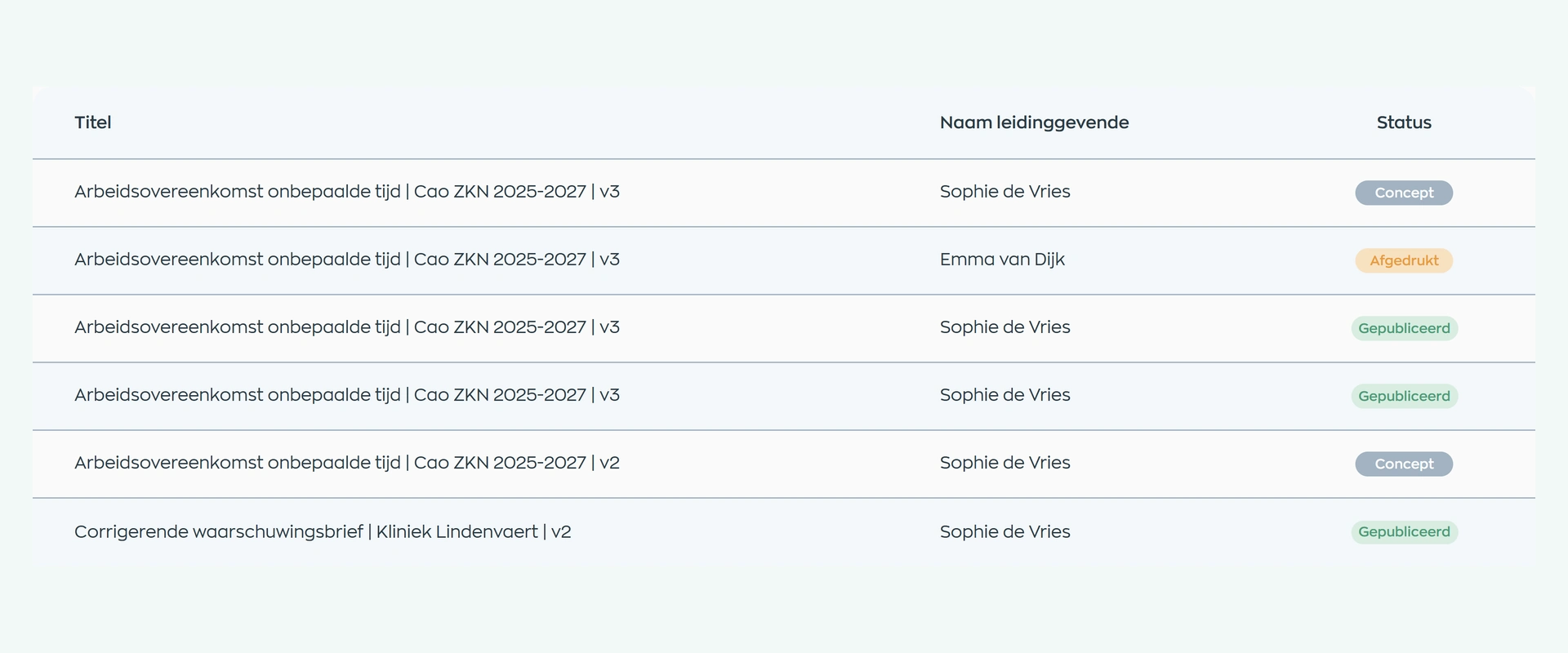
HR can see which documents remain in draft and which have progressed. Filter by employee, manager or status, and export a PDF when a file is needed. The document remains connected to the employee record for future questions or changes.
Product screens from our fictional demo organisation, Kliniek Lindenvaert.
Explore all Agreements capabilitiesCreate and sign HR documents
WorkVine supports templates, data population, workflow, PDF export and electronic signing. Your organisation remains responsible for content, appropriate use and legal review. E-signature is not the same as a qualified electronic signature for every situation.
Start with HR documents and connect them to candidate data, employee records and onboarding when needed.
You can start with HR documents and e-signature, then connect other processes later.
Start with employment agreements, an addendum or a recurring HR letter.
We convert the document and decide which details can be populated automatically and which require questions.
Agree who reviews, when a signature request is sent and how status is followed up.
€6
per active employee per month, excluding VAT
Cancel monthly.
€5
per active employee per month, excluding VAT
After 12 months, choose another advance payment or switch to monthly billing. Unused prepaid months are not refunded.
Templates, automatic population, review, PDF export and document status are included in the platform price, as is reasonable implementation support through your designated contact.
Electronic signing starts at €1 per signature request, depending on volume. Any extensive template work or organisation-wide training is agreed in advance.
Create and sign HR documents
Examples include employment agreements, addenda, statements and formal HR letters. The exact library and setup can differ by organisation.
Yes. WorkVine can convert existing customer documents into reusable templates with a consistent structure and data fields.
Available organisation and employee details can be populated through the template. The fields depend on the document and setup, and HR always reviews the complete content.
Yes. WorkVine supports electronic signature requests. Charges start at €1 per request and depend on volume.
No. A receipt or read confirmation records that a document was received or read. Electronic signing is a separate step.
No. WorkVine templates are reviewed by a university-trained legal professional, but each organisation must assess the content against the specific situation and current law. This is not individual legal advice.
Bring an existing document. In the demo, we will follow the journey from reusable template to review, signature and employee record.
Explore your document process in a demo