Pharmacy-counter coverage
Plan employee coverage around expected customer volume, recorded availability, and team roles.


Sound familiar?
Pharmacists, pharmacy assistants, front-counter staff, and delivery employees need clear schedules, training assignments, and team updates.
Plan employee coverage around expected customer volume, recorded availability, and team roles.
Keep role information, assigned schedules, training, and internal arrangements organized.
Assign training and keep completion, protocol acknowledgements, and employee documents with the relevant record.
Coordinate employee duties and share the updates that affect the working day.
What WorkVine brings together
WorkVine links employee scheduling with time tracking, training, documents, sick leave, and internal communication.
From plans to action
Managers can coordinate staff changes without reconciling separate schedules, time sheets, and training lists.
These product examples use our Kliniek Lindenvaert demo organization. They show how WorkVine works; your own teams, documents and processes shape your setup.
When someone is absent, everyone needs to know who is covering the front desk and supporting the team. Planners update shifts, and pharmacy staff can check the current arrangements in their app.
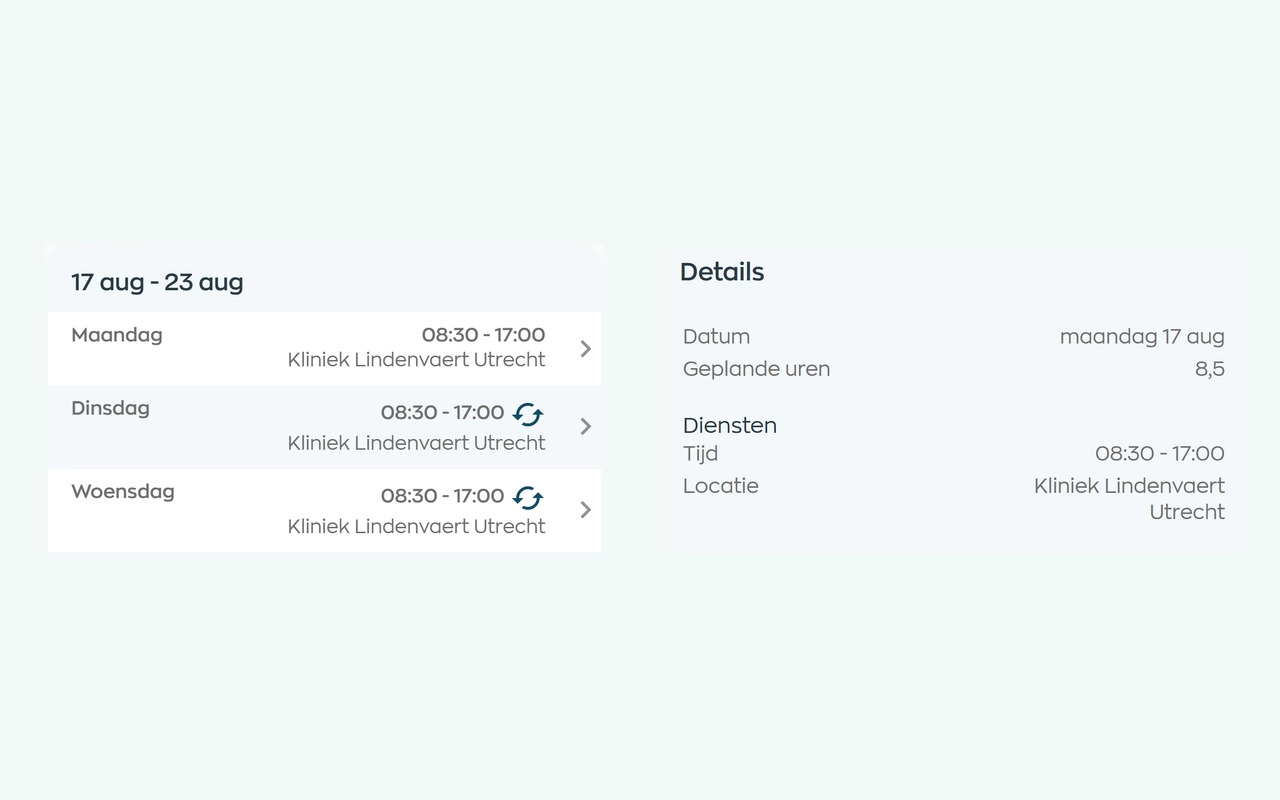
Planners match shifts to availability, leave and sickness. Employees can check their current schedule in the app, and planners can email the selected schedule period.
Explore staff schedulingAssign training and record completion and protocol acknowledgements.
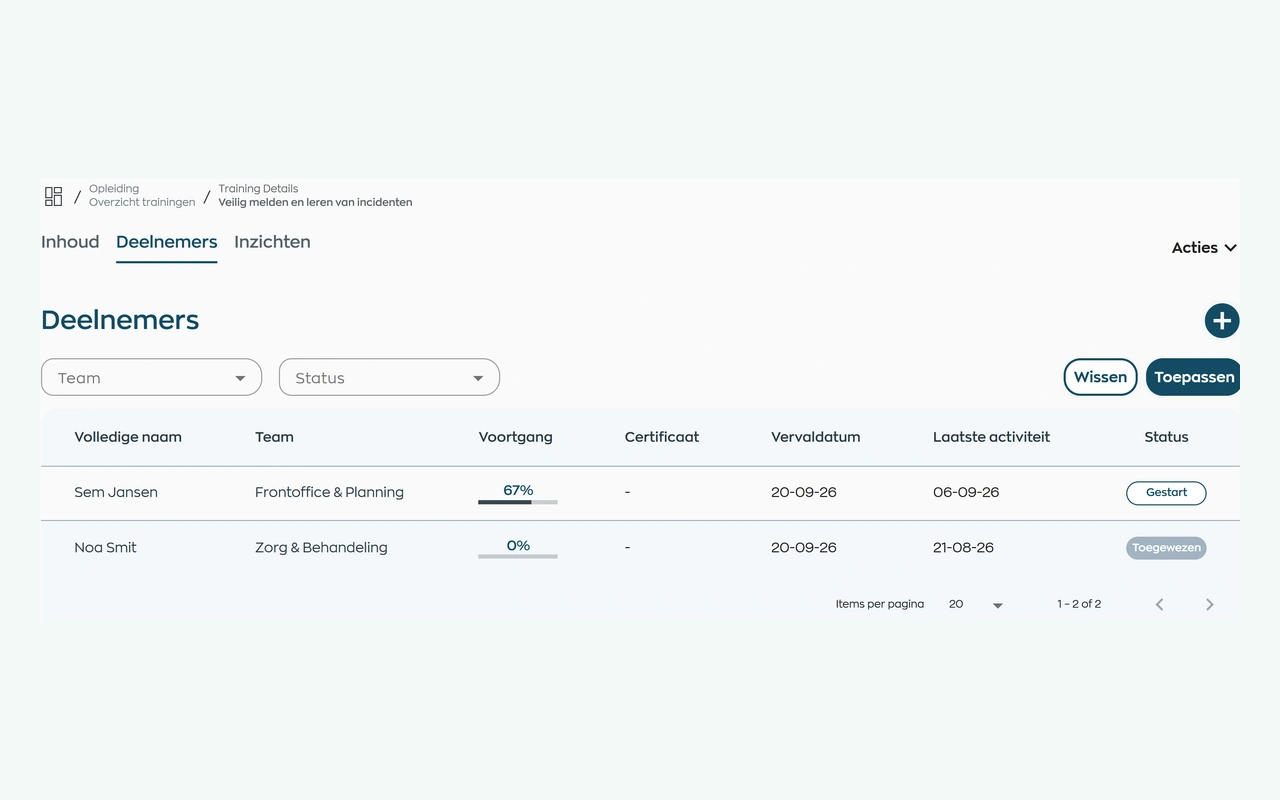
Assign your own training or a course from WorkVine. Employees complete it in their app. The person responsible can see who has yet to start, who is progressing and who may need support.
Explore training and progress trackingReview submitted time entries and corrections before manager approval.
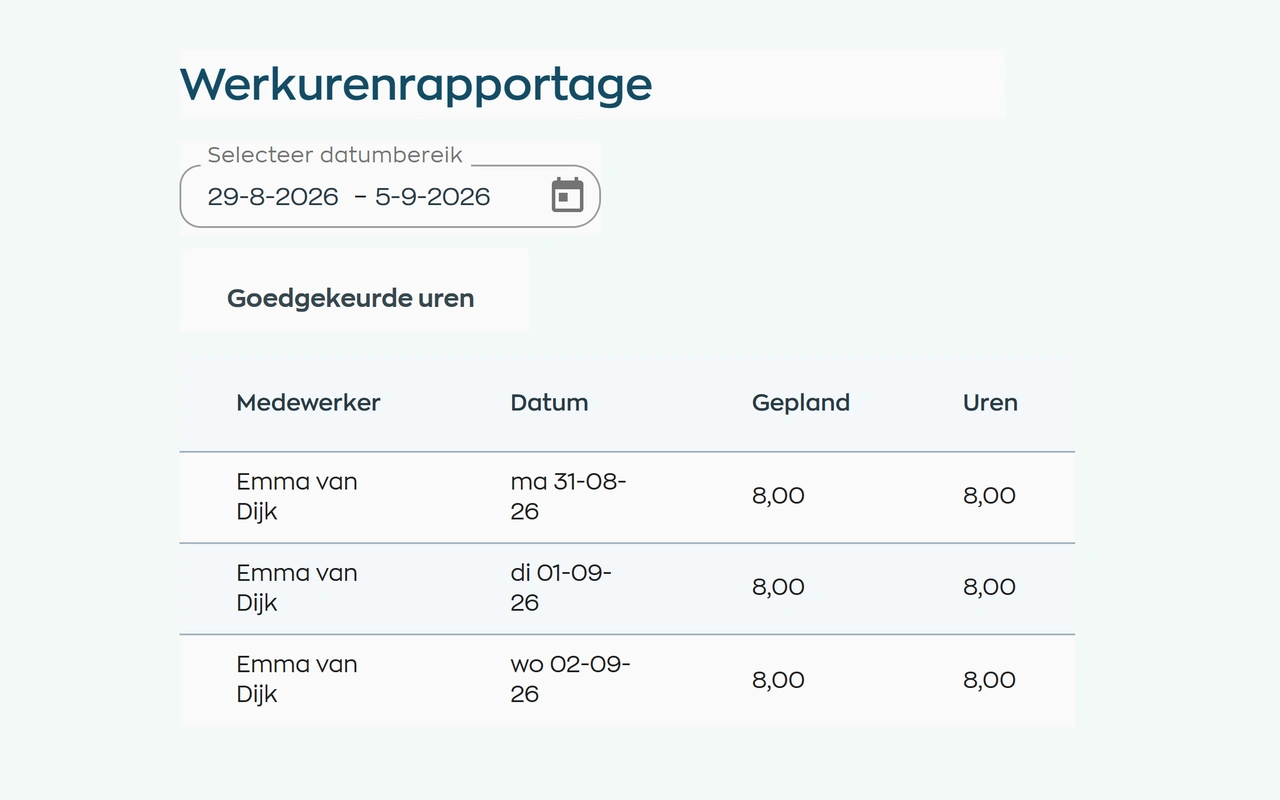
Employees record their working hours. Managers compare them with the schedule, discuss discrepancies and approve the hours before further processing.
Explore time tracking and approvalPublish internal updates and actions for the relevant pharmacy team.
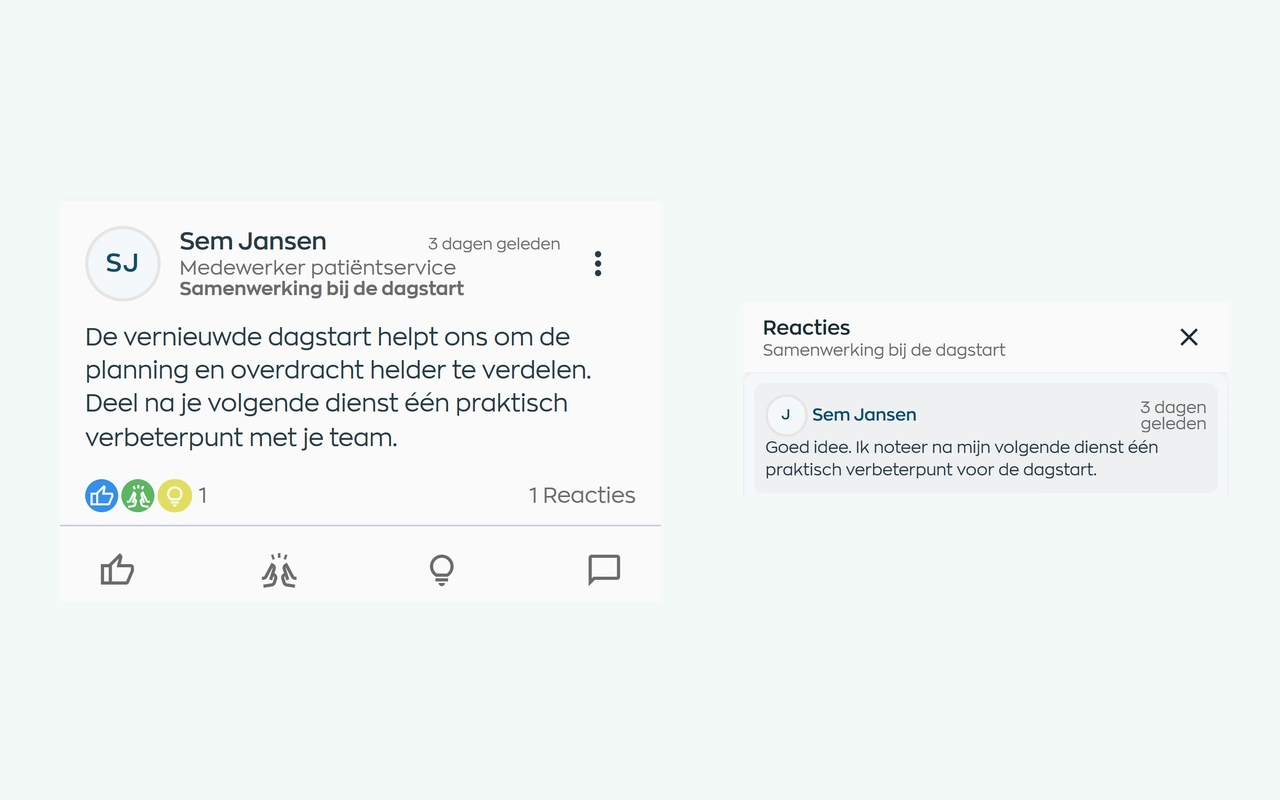
Publish an update for the relevant teams. Employees read and respond in the same app as their schedule and actions. Conversations can continue in chat, and administrators can review reported posts.
Explore internal communicationRoles and teams
WorkVine supports the distinct employee responsibilities of pharmacists, team managers, pharmacy assistants, and HR.
Review staffing, team arrangements, training, and protocol acknowledgements.
View their work schedule, assigned training, team updates, and actions.
Coordinate work schedules, sick leave cases, employee documents and outstanding actions.
Configure roles and permissions and use supported reports.
Relevant modules
These modules support the employee workflows described for pharmacy teams.
Keep shifts, availability and changes together in an up-to-date schedule.
View moduleHours worked, attendance, corrections and approvals are consistent with planning and reporting.
View moduleOnboarding, training, certificates and progress can be found by employee, team and role.
View moduleTeam updates, messages and actions stay connected to daily work.
View moduleFrequently asked questions
WorkVine is suitable for organizations that no longer want to manage HR, planning, documents, training and follow-up across separate systems. This includes pharmacies coordinating pharmacists, pharmacy assistants, pharmacy-counter coverage, delivery duties, training, and team communication.
No. WorkVine can be configured for a specific industry, so teams only see and use what is relevant to their organization.
Yes. Documents, evidence, certificates and actions can be linked to employees and processes.
In a short demo we show how WorkVine fits your roles, teams, processes and current way of working.
Yes. You can create and assign your own course content alongside WorkVine courses and content from training providers. Track participation, progress and results. WorkVine can also configure a digital version of your organization’s form for reading and acknowledgment.
Where work, people and growth come together
Schedule a demo to discuss employee scheduling, training, documents, time tracking, and internal communication.