No separate attendance sheet
Use the Location App on a shared device for the employees and teams assigned to that workplace.

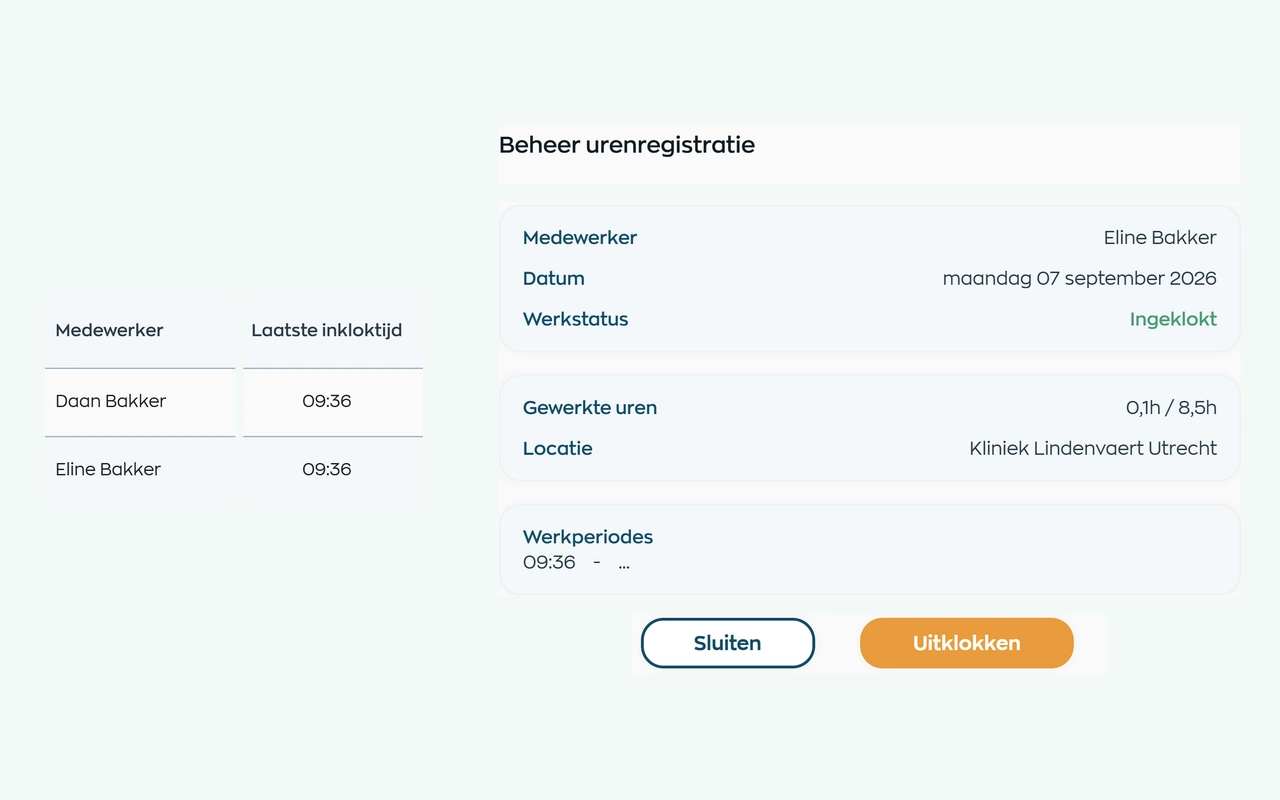
Why a standalone time clock falls short
A timestamp alone does not tell you who was expected, where someone was working, or which discrepancy needs attention. WorkVine connects the fixed time clock to the daily schedule, live attendance, and the subsequent review of recorded hours.
Use the Location App on a shared device for the employees and teams assigned to that workplace.
See who is expected according to the daily schedule, who has clocked in, and how long each active session has been running.
Send clocked time to Time Tracking, where a manager compares it with the schedule and approves the hours.
1. See who’s expected
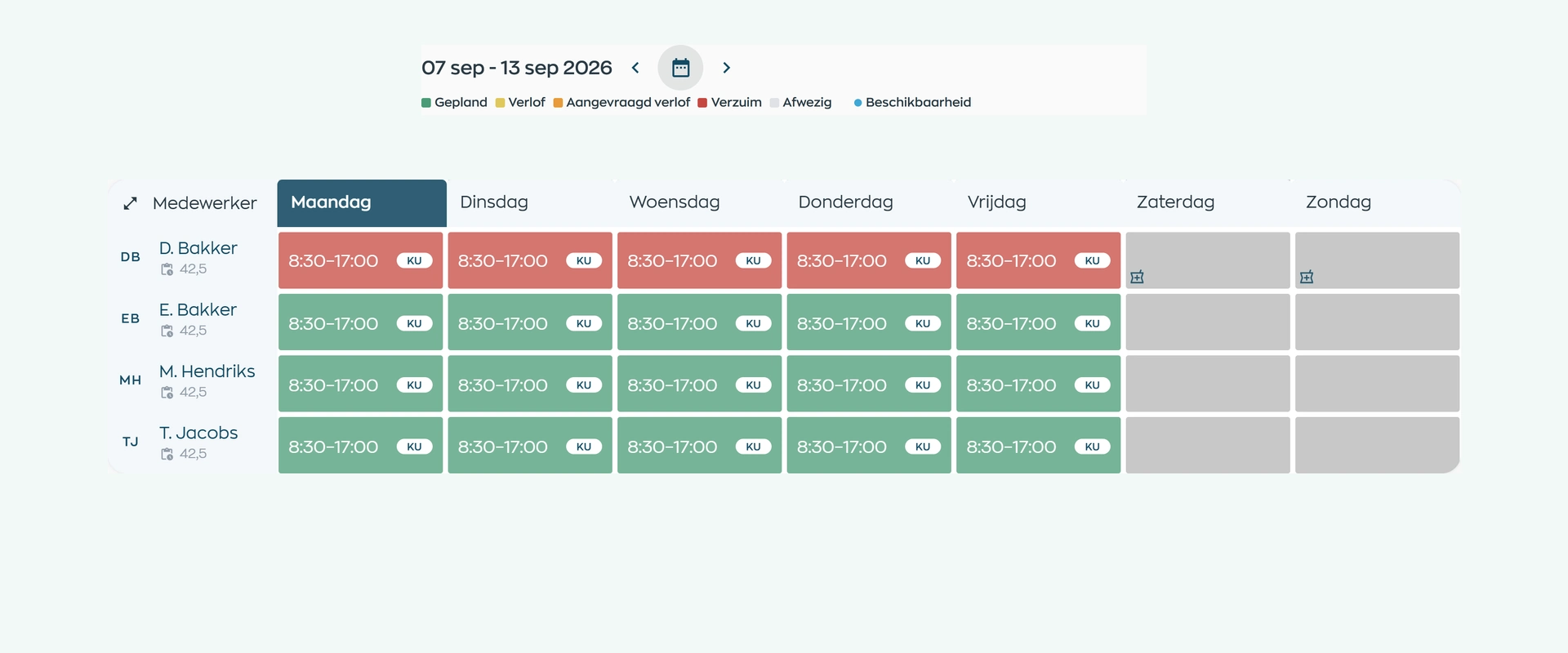
Who’s working today, when does the next colleague start, and where are they based? The Location App shows the assigned teams’ schedule, with shift times, sites, leave and sickness context.
View the current week or another week and filter by shift label. Planners manage the schedule in Office; reception and on-site teams see the same information. There’s no separate attendance sheet to maintain.
2. Clock in
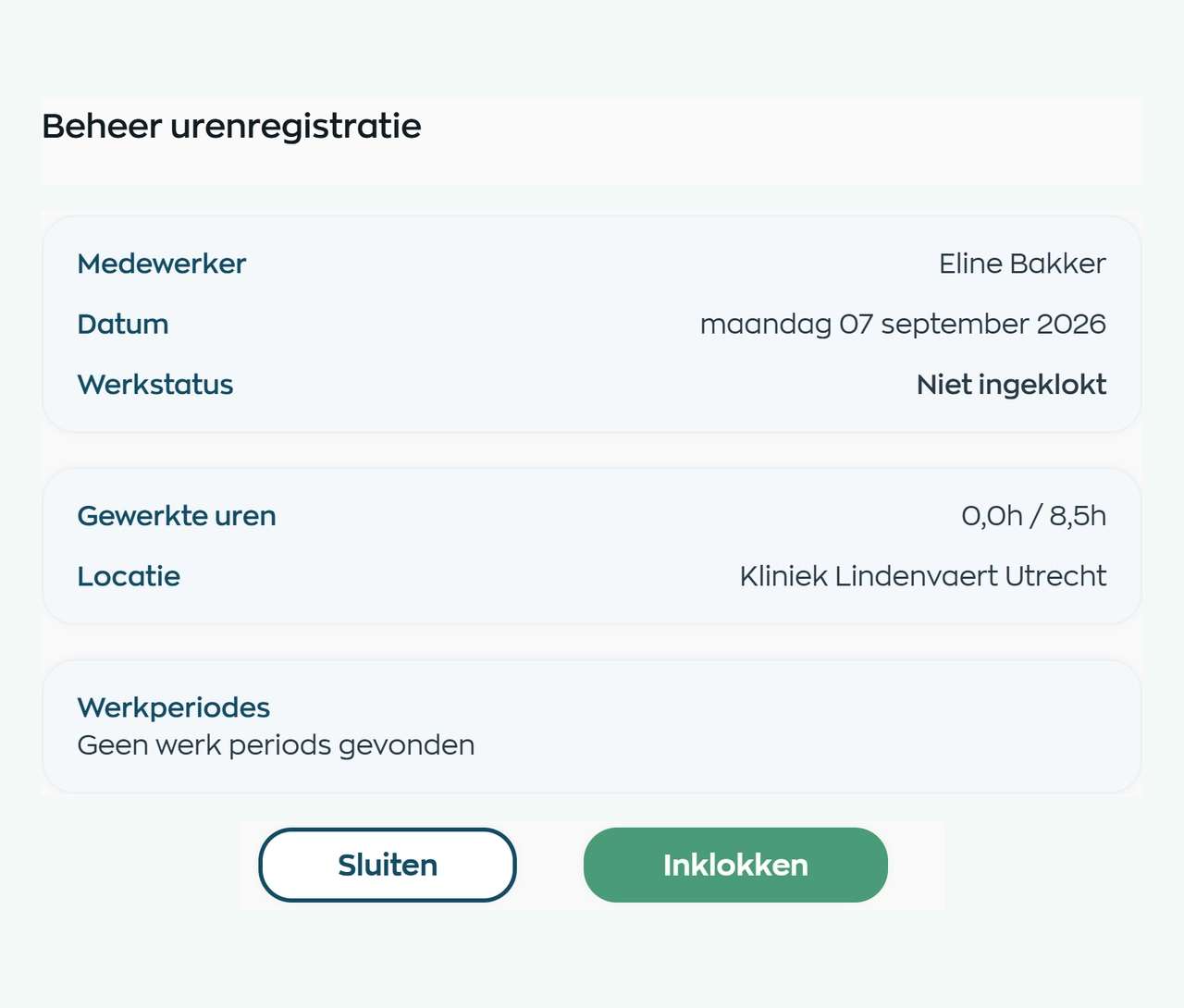
Select the employee, check the workday and choose Clock in. The planned site is shown and the new session gets a start time. Both the employee and the site can see that the shift has started.
Use a shared tablet, laptop or computer. The Location App is set up for your teams and only offers clock actions that are available for the current record. Employee administration and time approval stay in Office.
3. Attendance and clocking out
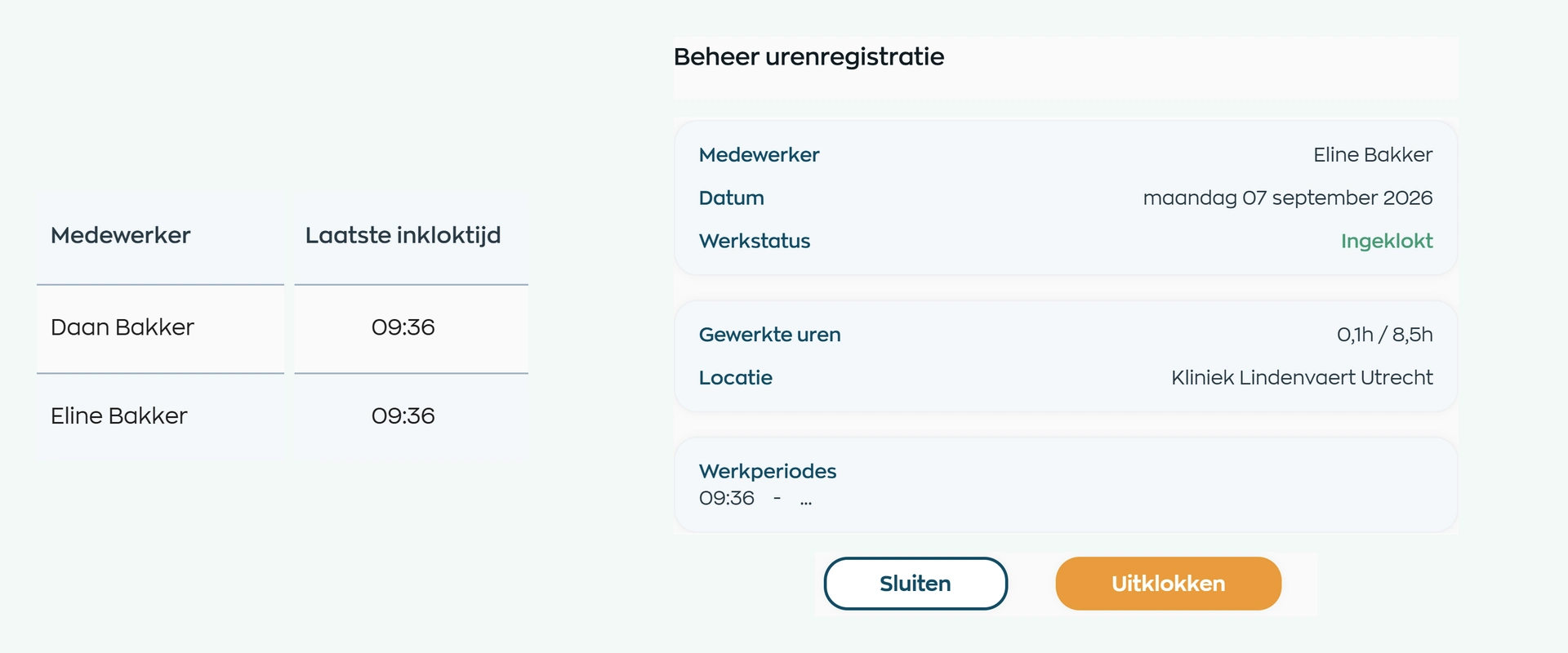
Clocked-in colleagues appear at the top of the attendance view, with their time updating as they work. Open an employee to view their sessions and clock them out. If they return later, a new session starts on the same workday.
Each session keeps its start time, end time and duration. If work runs beyond the scheduled hours, the time turns red as a prompt to check. The site can respond; the manager makes the approval decision.
4. Hand over to the manager
The time clock supplies the clock sessions; the review takes place in Time Tracking. There, the manager compares the start time, end time, and duration with the scheduled shift and the other information for that workday.
Only after approval do the hours become the verified basis for reporting and payroll processing. Clocked time is never paid automatically.
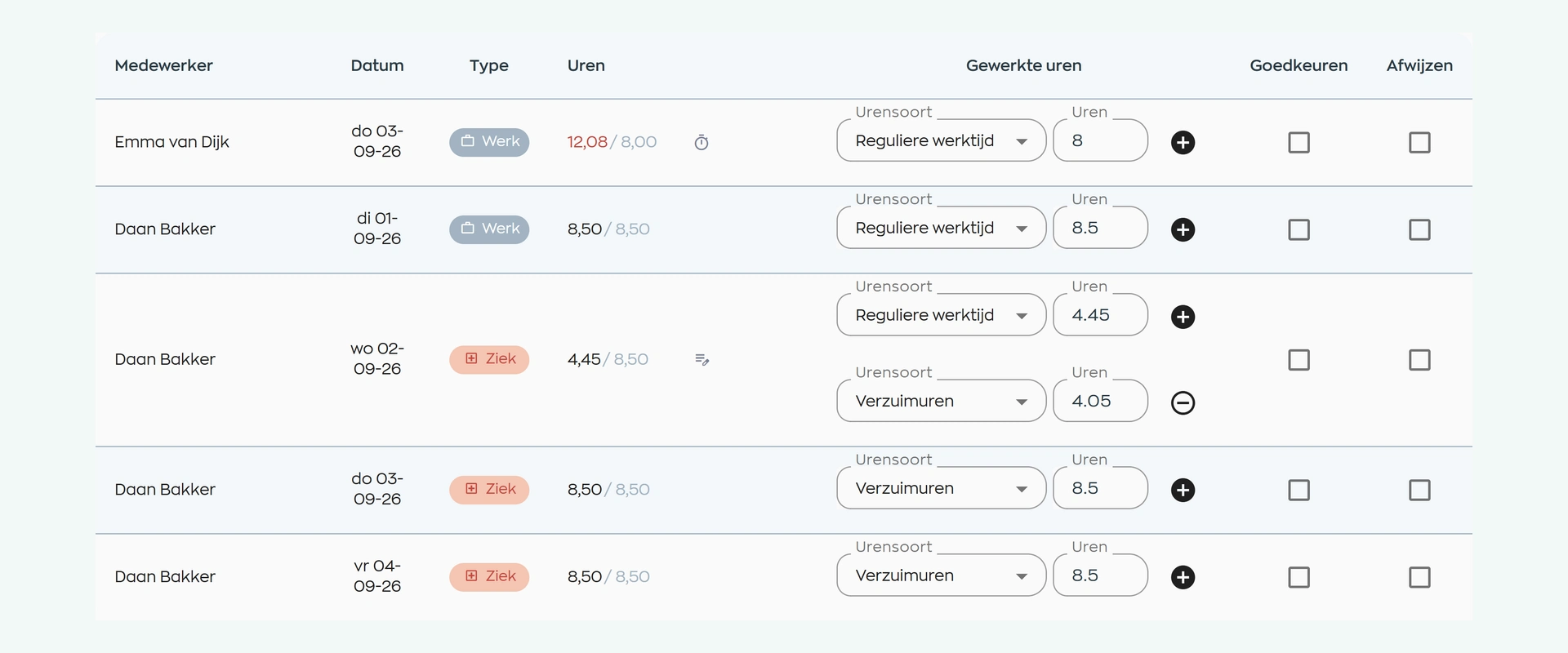
What changes
Employees clock in and out, the site keeps track of attendance, and managers review the recorded hours later.
Clock in or out with one clear action and link every work session to the correct workday.
See who is expected, who is present, and which active session needs attention.
Compare clocked time with scheduled hours and approve it only after a proper review.
Is this right for your workplace?
From clinics and care settings to reception desks and operational teams, the digital time clock gives the site a clear attendance view and managers a record they can work with.
Capabilities
Compare your workflow step by step: configure the site, let employees clock in and out, monitor attendance, and review recorded time.
Frequently asked questions
Answers about devices, team access, scheduled shifts, attendance, GPS, clock sessions, and reviewing hours.
The Location App can be used on a fixed tablet, laptop, or computer as a shared time clock. Time is recorded against the workplace configured for that device.
For assigned teams, the Location App shows today's schedule, who has clocked in, who is still expected, and how long each active session has been running. A manager reviews the hours later in Office.
No. The Location App only shows employees from assigned teams, and WorkVine checks whether the clocking action matches the scheduled work context and current status.
Yes. Multiple clock sessions can be recorded on the same workday and are included in the time tracking.
WorkVine automatically splits an open session across midnight between the two calendar days. This keeps the recorded time linked to the correct day for review and approval.
No. The Location App uses the workplace configured for the shared device. The location shown for a shift comes from the schedule and is not a GPS position.
No. Clock times provide the recorded time. A supervisor can check and approve the hours afterwards before they are used for reporting or payroll.
Where work, people and growth come together
Bring one typical shift to the demo. We will follow an employee from the daily schedule and clock-in through attendance, clock-out, and the final review of their hours.